On this page
A high-pass filter might help a crowded chorus sound clearer, but that same setting won't necessarily work for the rest of the song. Picture a piano playing low chords under the bass. You raise the cutoff to open up the chorus, and when the piano leads the next verse alone, it suddenly sounds thinner.
The filter did its job. The trouble is that a choice made for one part of the song stayed on for all of it, which is how high-pass filtering every track can make a mix sound thin even when each cut seems fine on its own.
The Same Filter Can Help the Chorus and Hurt the Verse
When several instruments play in the same range, cutting low frequencies on one of them can help them all stand out. If the clash only happens in certain parts, though, a permanent cut can take away weight the instrument needs when nothing is competing with it.
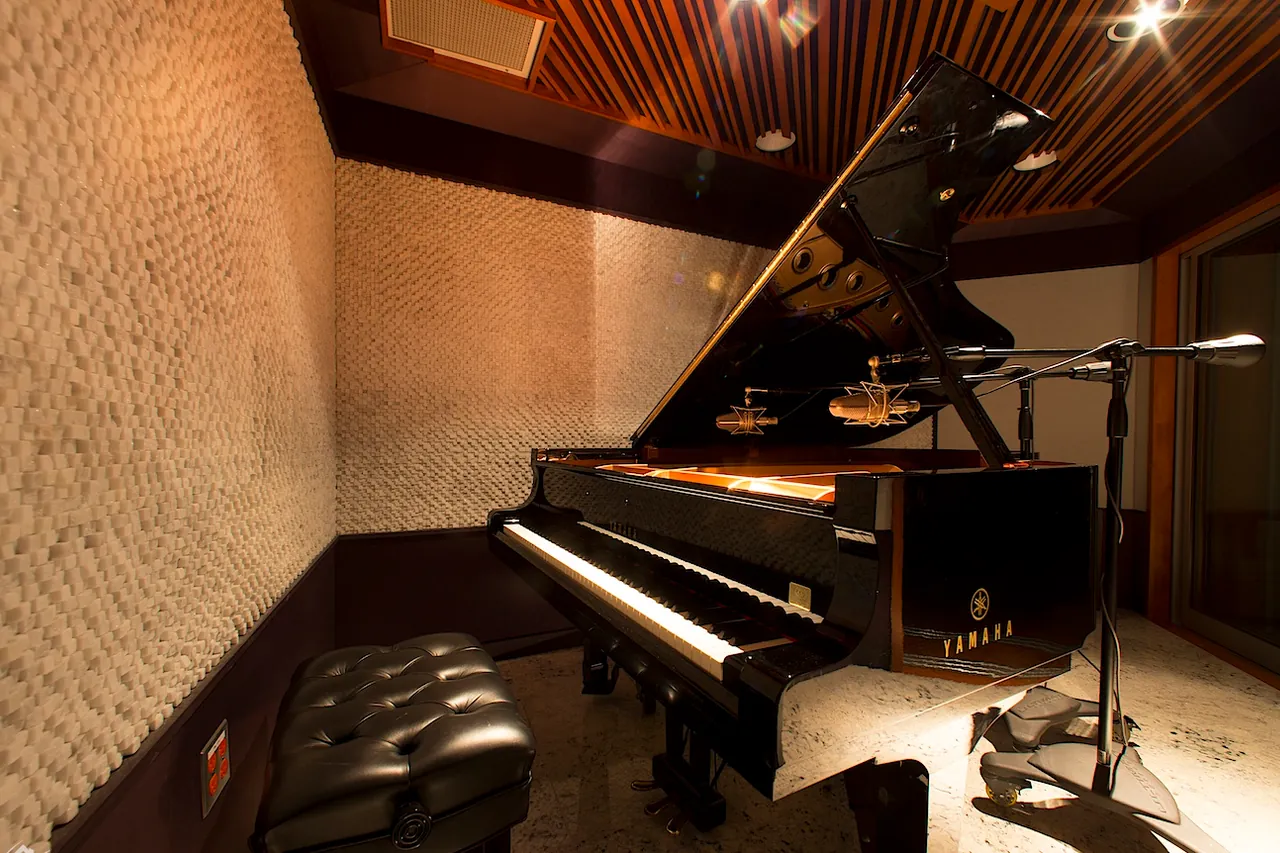
The Piano Example
If the piano's low notes matter in the intro, you might not want to cut them only because the bass comes in later. Depending on whether the issue is level, overlapping notes or low end you really don't want, you have several options:
- Lower the piano during the chorus.
- Change how the chords are voiced, so they leave the bass register free.
- Automate the filter, so the cut is there in the chorus and gone in the intro.
Distorted Guitars
The same goes for distorted guitars. A cutoff that tightens palm-muted riffs against the kick can make open chords sound empty, so before you raise the filter further, try the parts with different note lengths and hear how the guitar sounds when it has more room.
Quick listen: Set the filter while the busiest section plays, then bypass it during the most exposed section. If the instrument gets useful body back without bringing back a real problem, you may need a different setting for each section rather than a stronger filter everywhere.
Are You Removing Noise, Masking, or Part of the Instrument?
These three situations can sound alike at first, but each one calls for a different decision.
Noise That Isn't Part of the Performance
A vocal recording might carry floor noise or handling sounds that aren't part of the performance. Filtering that out makes sense if it affects the mix, as long as you keep the useful low part of the voice.
Low-Frequency Masking
A piano and a bass can cover each other simply because they play similar notes, even when both recordings are fine. A high-pass filter could help, but so could:
- changing the piano's level,
- using a different chord shape,
- shortening a note that rings too long.
Our guide to why a mix sounds muddy goes through those options in more detail.
Body the Instrument Needs
Overhead mics don't only pick up cymbals; they also capture the snare, the toms and the sound of the whole kit. Acoustic guitars, piano and low vocals need some low energy to sound full, and cutting it because a frequency analyzer shows something there can make the mix feel less connected.
A clean synth patch is a good example. If it has no problem sub-bass and already sits well in the mix, there's no reason to add a filter out of habit, and you don't need to process it because every other channel has EQ.
The Cutoff Number Doesn't Tell You How Much You're Losing
A high-pass filter cuts frequencies below its cutoff, but that doesn't mean everything under that number is gone. The slope and the filter design decide how much sound stays near the cutoff, which is why the same cutoff on two different EQs can give different results.
Why Slope and Q Matter
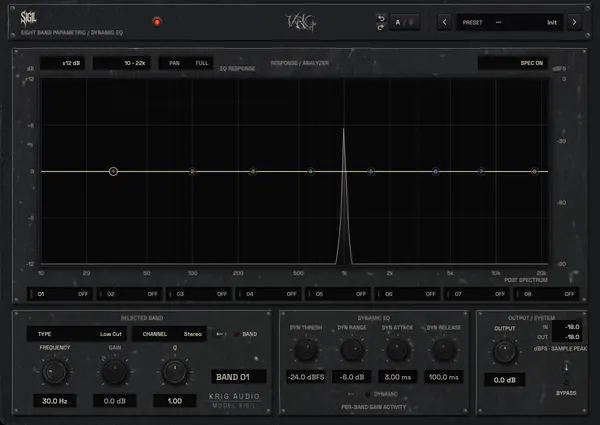
Once you're past the transition area, a filter set to 24 dB per octave cuts frequencies below its cutoff faster than one set to 12 dB per octave. Near the cutoff, the shape also depends on the design and the Q, and some filters create a small bump there, so a sound can seem heavier even as the lower frequencies are removed.
| Slope | What It Tends to Do | Watch For |
|---|---|---|
| Gentle (for example 12 dB per octave) | Rolls off gradually and leaves more low end near and below the cutoff | Unwanted rumble that is still there |
| Steep (for example 24 dB per octave) | Rejects low energy faster, so the cutoff can stay lower | A bump near the cutoff, depending on the design and Q |
Neither slope is automatically the more transparent choice, so compare both while the full arrangement plays instead of choosing one because the number looks safer.
The effect isn't always as obvious as losing the lowest note. You might still hear the pitch of a vocal or piano after a cut and notice that it no longer has the same body, because the fundamentals, the lower harmonics and the way the instrument sits with other tracks all play a part.
Cutting Bass Doesn't Guarantee More Headroom
Removing a lot of unwanted low end might give you more headroom later, but it doesn't always make the peak meter drop. A filter changes both the waveform and the frequency balance, so the peaks you see depend on the signal and on the filter itself. If peaks are the real problem, a clipper or a limiter is the tool that controls them.
A filter can't fix clipping that happened earlier, either. If a mic preamp was overloaded during recording, a high-pass filter added later won't bring back the clean waveform. It might change how the distortion sounds, but the original signal is lost.
Drum Mics Reveal What Solo Listening Can Miss
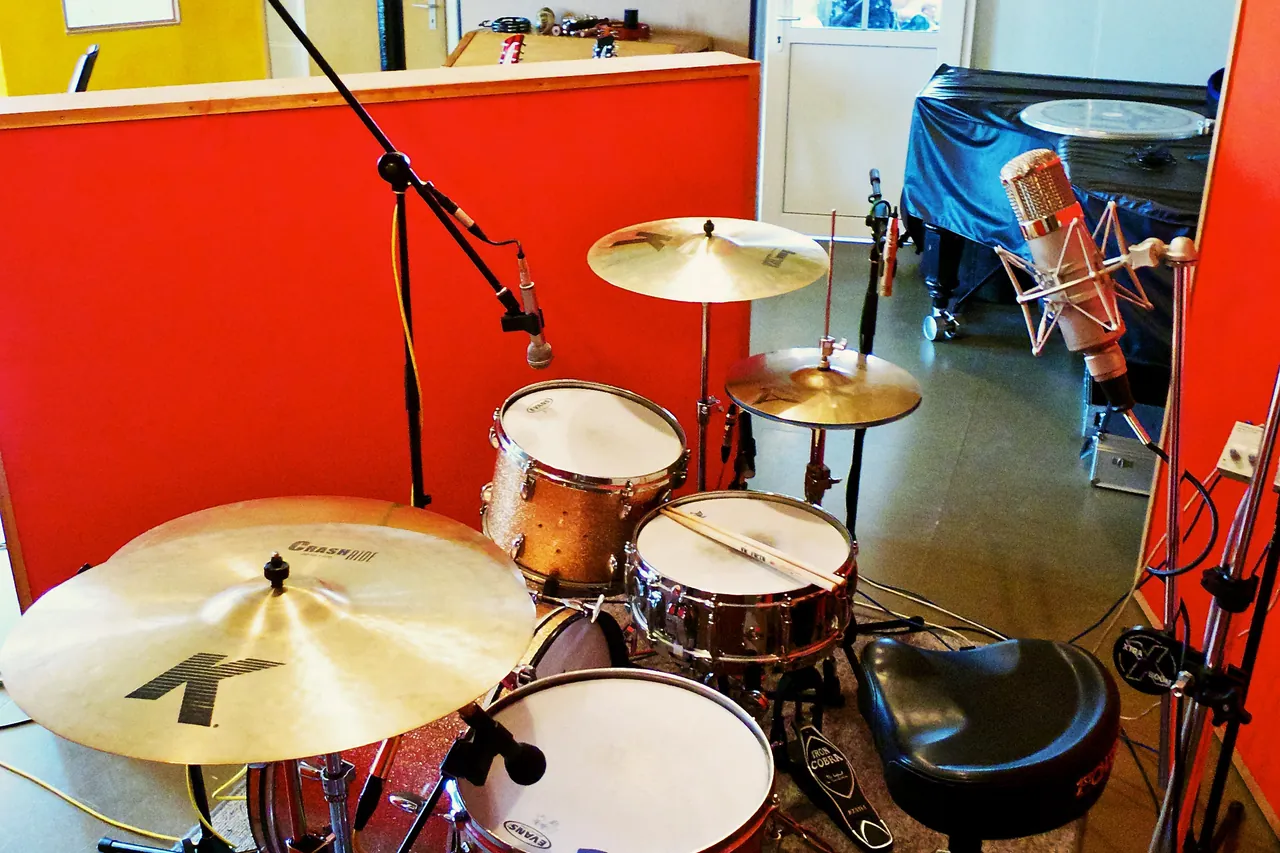
Overheads might sound clearer on their own after you cut a lot of low end. When you bring the close mics back in, though, the snare or the toms can lose weight, and that isn't always because the overheads needed more bass. The signals may simply not add up the same way anymore.
Why Filtering One Mic Changes the Whole Kit
Regular minimum-phase filters change the phase around the frequencies they affect. That's normal and usually harmless on a single track, but when several mics capture the same performance, changing one of them can change the combined sound. Listen to the whole kit, in mono as well, before you decide whether the filter helps.
The same issue comes up whenever related signals are blended:
- a bass DI with an amp recording,
- two mics on one guitar cab,
- parallel processing paths.
Left and right rhythm-guitar tracks are a different case. Their timing differences are part of the performances, so you don't need to line them up.
Where Linear-Phase EQ Fits
Linear-phase EQ avoids adding frequency-dependent phase shifts, as long as its processing delay is compensated. That can help with related signals, but it won't fix timing or polarity problems already in the recordings, and changing the frequency balance of one mic can still change how the tracks add up.
Linear-phase processing also adds latency and can cause pre-ringing around sharp sounds. FabFilter's Pro-Q manual says it plainly: linear-phase processing is different, not better or more transparent, and the pre-ringing can make transients such as a kick drum lose their edge. If the snare starts to sound strange, compare it with a regular EQ in the full kit instead of assuming linear phase is the safer choice.
Sometimes the Low End You Want to Cut Isn't on the Dry Track
Reverb Tails
A vocal might have plenty of useful body while its reverb leaves a low, cloudy tail running into the next phrase. Cutting the dry vocal then makes it thinner without fixing the problem. These usually work better:
- filter the low end of the reverb return,
- shorten the decay,
- automate the wet level.
Pads, Keys and Dense Guitars
If a pad fills every gap with long low notes, check its range, envelope and level first. A high-pass filter might help, but it isn't the only option, and a gentle low-shelf cut is sometimes enough when you only want less bass rather than a full roll-off.
A Few Boomy Notes
If only a few piano notes or guitar chords sound boomy, a bell EQ, clip gain or dynamic EQ can fix those spots without changing the whole performance. You don't need to change the quiet verse because of a clash in the chorus.
Listen to What the Filter Takes Away, Not Just What It Cleans Up
Before you add a high-pass filter, work through it in this order:
- Decide which problem it should solve. If it's rumble, solo the track to hear what's there. If it's instruments overlapping, listen to them together, since that's where the conflict actually happens.
- Raise the cutoff while the whole arrangement plays.
- Compare the filtered and unfiltered versions at about the same volume, listening for the instrument's body and for how it blends with the kick, the bass or the other mics.
- Play a different section of the song. If the filter helps the busy chorus but weakens the intro, automate it, try a different slope or use another method.
Something that sounds cleaner soloed can be a loss when the full song comes back. And if the filter doesn't help and you don't hear any unwanted low end, you don't have to use one.
Image credits
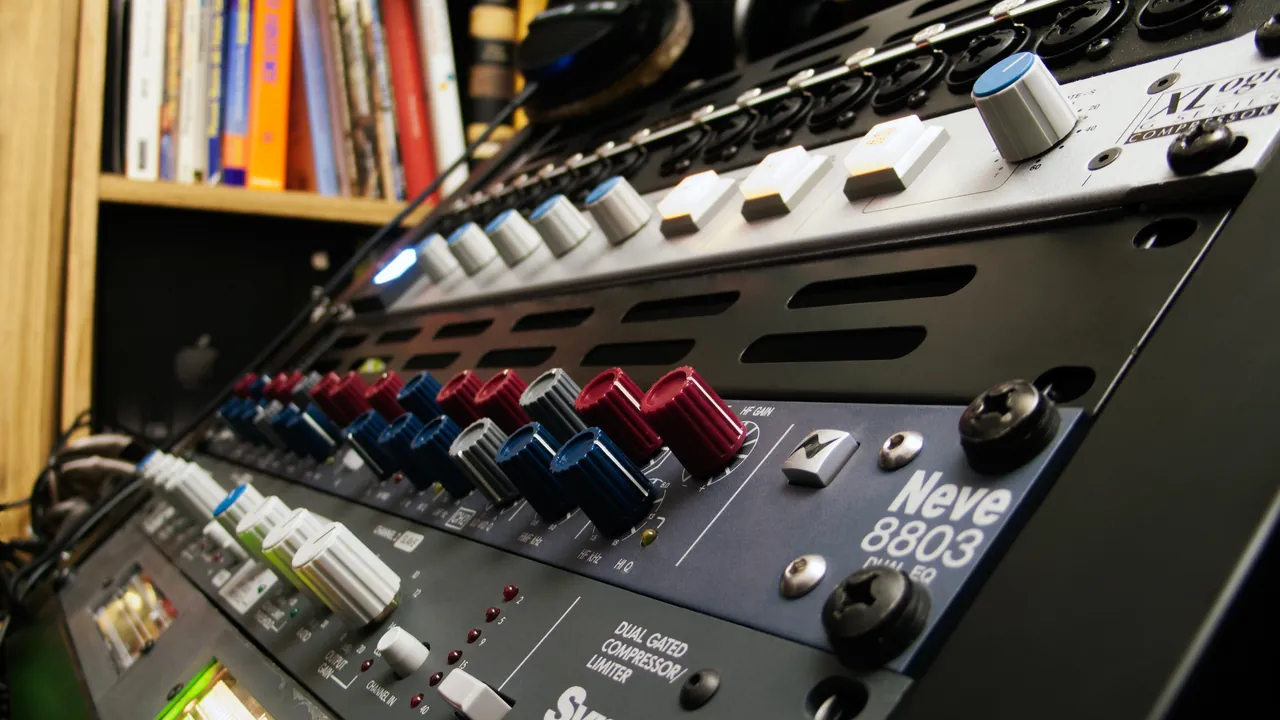
- SSL Xlogic G Series Compressor, AMS Neve 8803 Dual EQ, Symetrix Dual Gate Compressor-Limiter: spacedust2019, CC BY 2.0, Wikimedia Commons. Cropped and resized by KRIG Audio.
- Yamaha C7 Concert Grand Piano at Audio Mix House, Studio A: Audio Mix House, CC BY 2.0, Wikimedia Commons. Cropped and resized by KRIG Audio.
- Drum mic setting, LowSwing studio, Berlin: Marc Wathieu, CC BY 2.0, Wikimedia Commons. Cropped and resized by KRIG Audio.
Questions on this topic
Filtering everything except the kick and bass can seem like an easy way to clear space, but it can also take useful weight out of guitars, vocals, piano, toms and room microphones. Check what each track contributes to the arrangement before deciding that its low end needs to go. If engaging the filter doesn't make the full mix better, you can leave it off.
The right cutoff depends on the recording, the part being played and what else is happening in the song. A low vocal, a bright rhythm guitar and a heavily down-tuned guitar won't all need the same setting. Start below the useful part of the sound and raise the cutoff while the mix plays, backing it down if the track loses body. Check the slope as well, since the frequency setting doesn't tell you how much is being removed.
A conventional minimum-phase high-pass filter changes phase around the frequencies it affects, although that isn't automatically a problem. It's worth checking when you blend related recordings, such as drum close mics and overheads or a bass DI and amp track, because filtering one can change the combined tone. Linear-phase EQ avoids adding that frequency-dependent phase rotation when its delay is compensated, but it doesn't fix existing timing differences and can introduce pre-ringing.
A low shelf is useful when you want to reduce bass without continuously rolling off everything farther down the spectrum. A high-pass filter makes more sense when the problem is rumble or low-frequency energy you don't need. Neither is automatically better, so compare them in the full mix and keep the one that removes the problem without taking away the instrument's role.